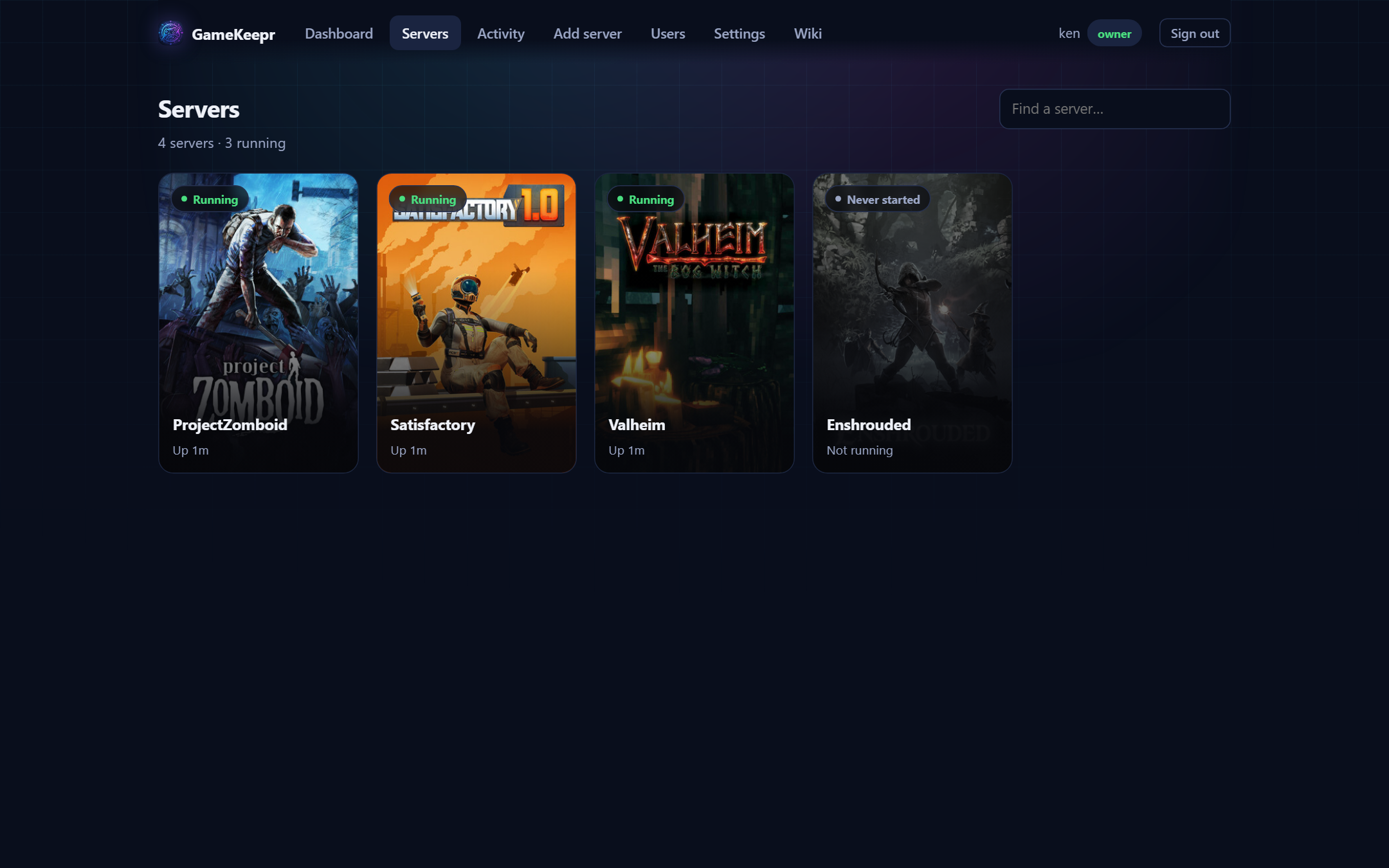
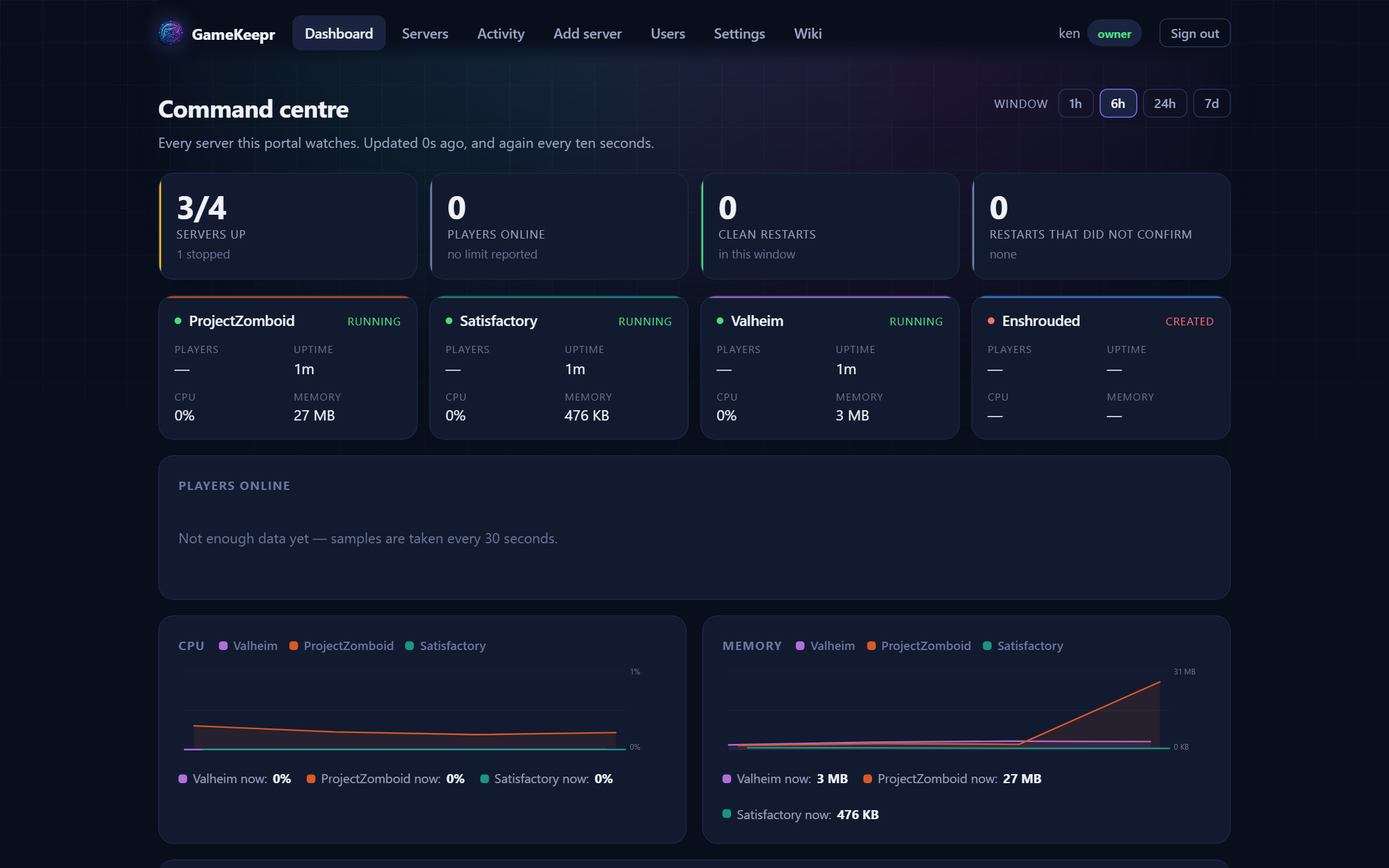
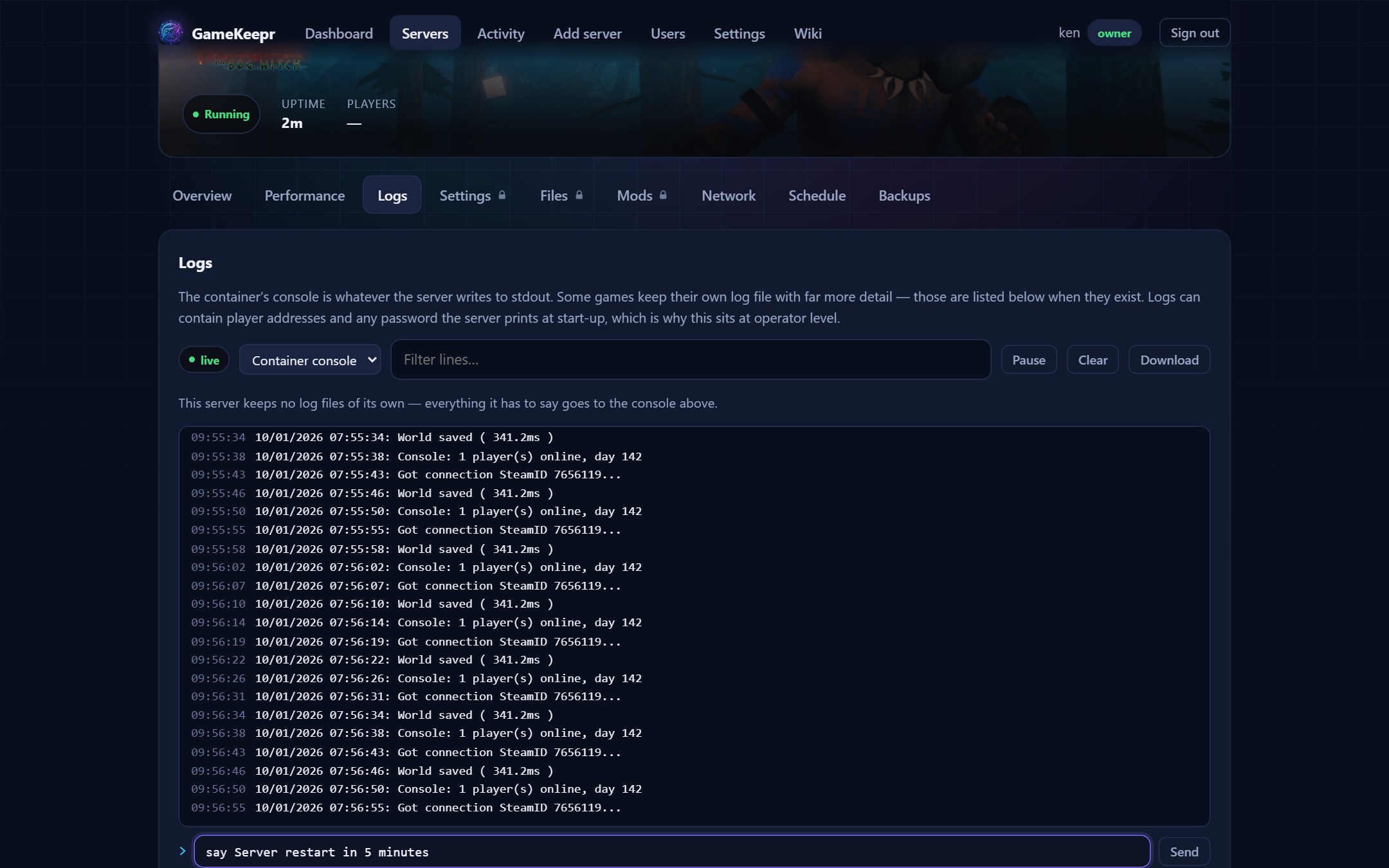
Restarts that tell the truth
A restart is verified in two stages — the container came back, then the game itself
answered. Per-game startup times, a cooldown that stops restart-hammering, and an
activity feed everyone can read.
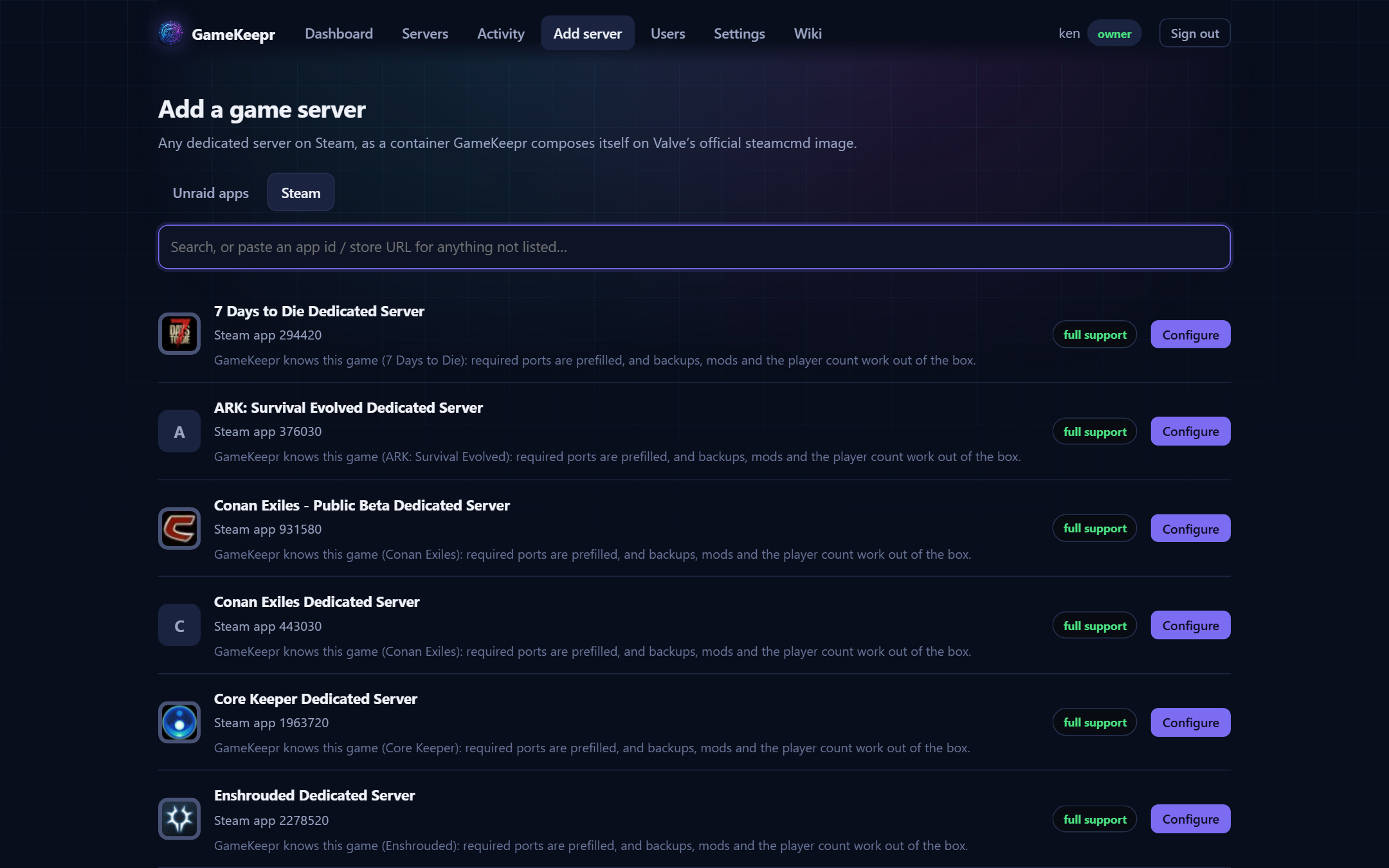
Any server Steam carries
Deploy from Unraid's Community Applications, or pick any of ~580 dedicated servers on Steam
— GameKeepr composes the container itself on Valve's official steamcmd image, with the start
command from Steam's own app info, shown before anything exists.
Schedules with manners
Nightly restarts that ask the game if anyone is playing first, never turn a deliberately
stopped server back on, and skip missed runs instead of firing them late.
Backups of what matters
The world and its settings — not the reinstallable gigabytes. Restores only while stopped,
always preceded by a safety copy, applied as an overlay.
Mods, checked honestly
Repository installs with hash verification, archive-safety judging and optional malware
scanning; Steam Workshop declarations for the games that fetch their own. No report ever says
"safe" — it says what was checked.
Three roles, per-server exceptions
Members restart, operators run servers, the owner runs the platform. Any user can be made
operator of one server, member on another, or shown nothing at all — hidden means hidden.
Run it
mkdir gamekeepr && cd gamekeepr
curl -LO https://raw.githubusercontent.com/KenGoossens/Gamekeep/main/docker-compose.yml
curl -Lo .env https://raw.githubusercontent.com/KenGoossens/Gamekeep/main/.env.example
# edit .env: PUBLIC_URL, SESSION_SECRET, TZ
docker compose up -d
On Unraid it is one search away: Apps → “GameKeepr” → Install —
GameKeepr is in Community Applications.
First boot prints a one-time setup token in the container log; open the portal and create the
owner account with it. The
setup guide walks through the rest — including the one honest
warning: the portal holds the Docker socket, and the
security model explains what that means and what is done
about it.
 GameKeepr