 GameKeepr
Setting up from scratch
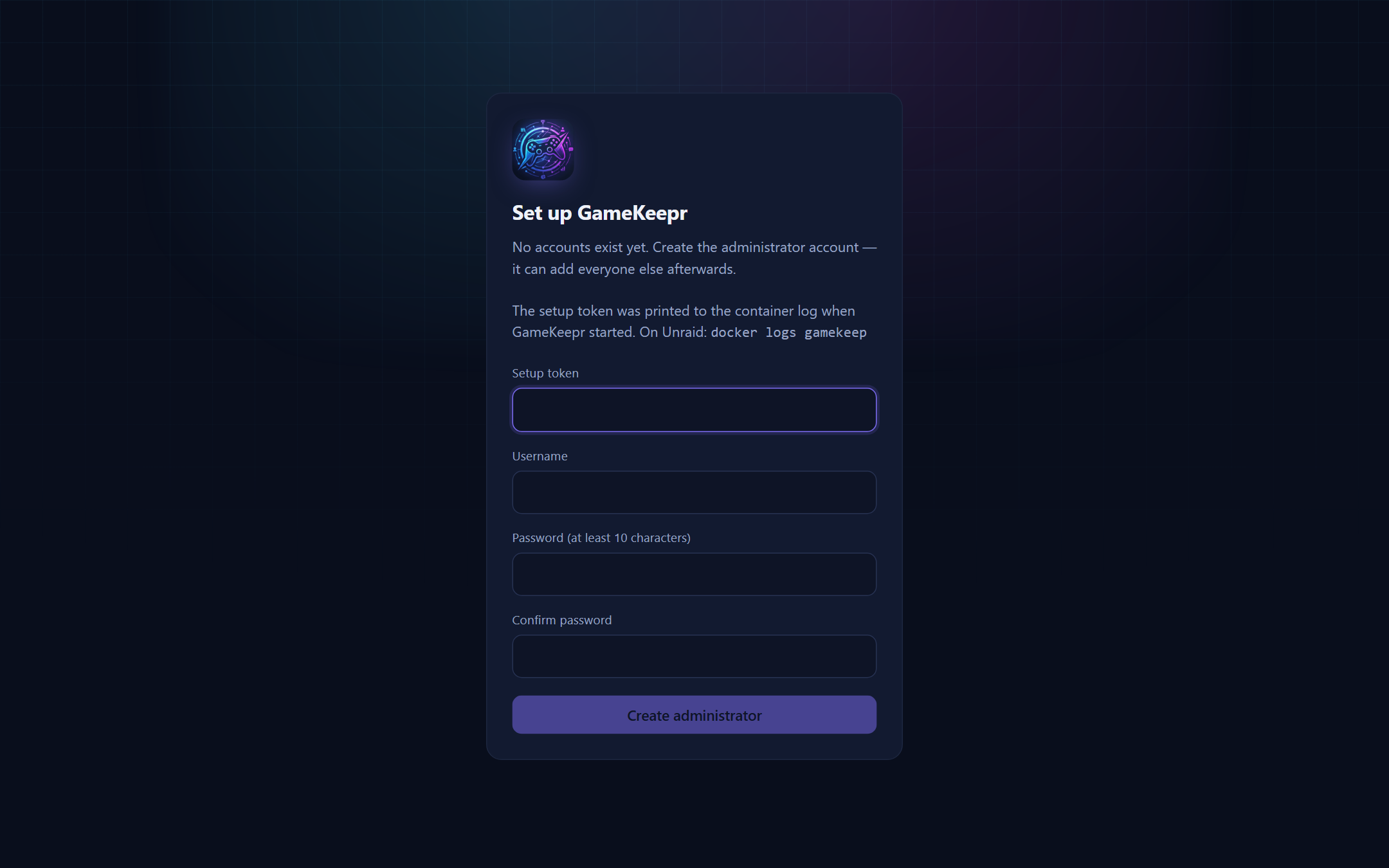
What it takes to run GameKeepr on a fresh machine. Unraid is the assumed host, but anything with Docker works.
1. The container
mkdir gamekeepr && cd gamekeepr
curl -LO https://raw.githubusercontent.com/KenGoossens/Gamekeep/main/docker-compose.yml
curl -Lo .env https://raw.githubusercontent.com/KenGoossens/Gamekeep/main/.env.example
# edit .env: see below
docker compose up -d
On Unraid, skip all of this: Apps → search “GameKeepr” → Install — the portal is in Community Applications. (If your Apps tab has not caught up yet, fetching the template by hand still works: curl -Lo /boot/config/plugins/dockerMan/templates-user/gamekeep.xml https://raw.githubusercontent.com/KenGoossens/Gamekeep/main/templates/gamekeep.xml, then Docker → Add Container → pick GameKeepr.)
The .env essentials:
| Variable | What it is |
|---|---|
PUBLIC_URL | The address people will use, e.g. https://portal.example.org |
SESSION_SECRET | openssl rand -hex 32 — also the key that encrypts stored integration secrets |
TZ | e.g. Europe/Brussels — schedules run on this clock |
APPDATA_ROOT / APPDATA_HOST_ROOT | where deployed game servers keep their data, as the portal and the host see it |
GAME_NETWORK | the Docker network deployed servers join (default gamekeep-servers) |
The one mount that makes everything work is the Docker socket — which is also the security model's centre of gravity; read The security model before exposing anything.
2. First boot
The portal starts with no accounts and prints a setup token in its container log. Open the portal, create the first owner account with that token. The token dies with the first account; a restart mints a new one only while no accounts exist.
Fresh installs start with zero servers — that is normal. Add them through Add server (see Installing game servers) or list hand-managed containers in config/servers.json.
3. Publishing it
Behind a Cloudflare Tunnel with Access in front is the tested shape: no open router ports for the portal, an email-code outer door, GameKeepr's own login inside. Point the tunnel at http://gamekeep:8080 on the shared Docker network and delete the published port. The game servers still need real port forwards — see Networking and ports.
4. Unraid specifics
- Keep appdata on a pool: SQLite dislikes the
/mnt/userFUSE layer — use/mnt/cache/...paths, and set the appdata share's mover action to Array → Cache so the mover never migrates a live database off the pool. - Mount
/boot/config/plugins/dockerMan/templates-userinto the portal so deployed servers show properly in Unraid's Docker tab.
5. After that
Work through Users, access and integrations: create accounts, connect the Discord webhook, optionally the malware scanners, the UniFi router and the Cloudflare Access guest list.