 GameKeepr
Your account
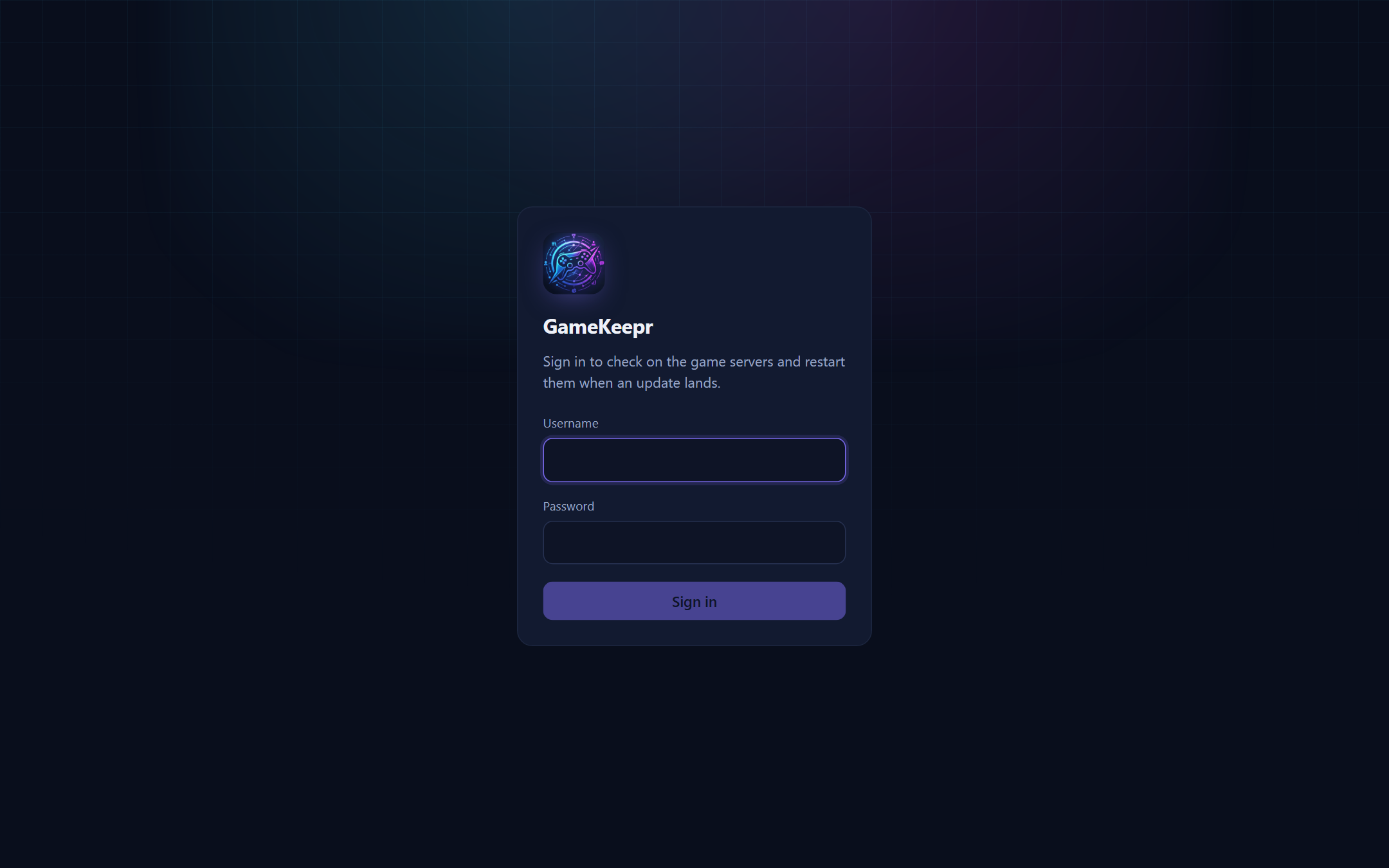
Signing in
Accounts are made by the owner — there is no self-registration; this portal is a guest list, not a website. Depending on how the portal is published you may pass two doors: an email code at the outer door (Cloudflare Access) and your GameKeepr username and password at the inner one. They are separate on purpose: the outer door keeps the internet out, the inner one knows who you are.
Your first password
A new account comes with a one-time password. It works exactly once: you sign in and must replace it before anything else works. Until then the account can do nothing, so a temporary password in a chat message is not a standing risk.
Changing your password
Your name in the top bar → change password. You need your current one. Forgotten it? The owner can reset it, which hands you a new one-time password and signs out your other sessions.
Sessions
Signing in lasts for a month per browser. The owner can see which sessions exist (browser and rough location, for spotting something that should not be there) and can end them.