 GameKeepr
Files and settings
The Files tab
A file browser over the server's own data directories — including when the server is stopped, which is exactly when you are allowed to change things. Text files open in an editor; every save first writes a timestamped backup beside the file, so a bad edit is one rename away from undone.
While the server runs, everything is read-only. That is a server-side rule, not a greyed-out button: a game rewrites its own configuration on shutdown, so an edit made while it runs would be silently overwritten — or worse, half-read.
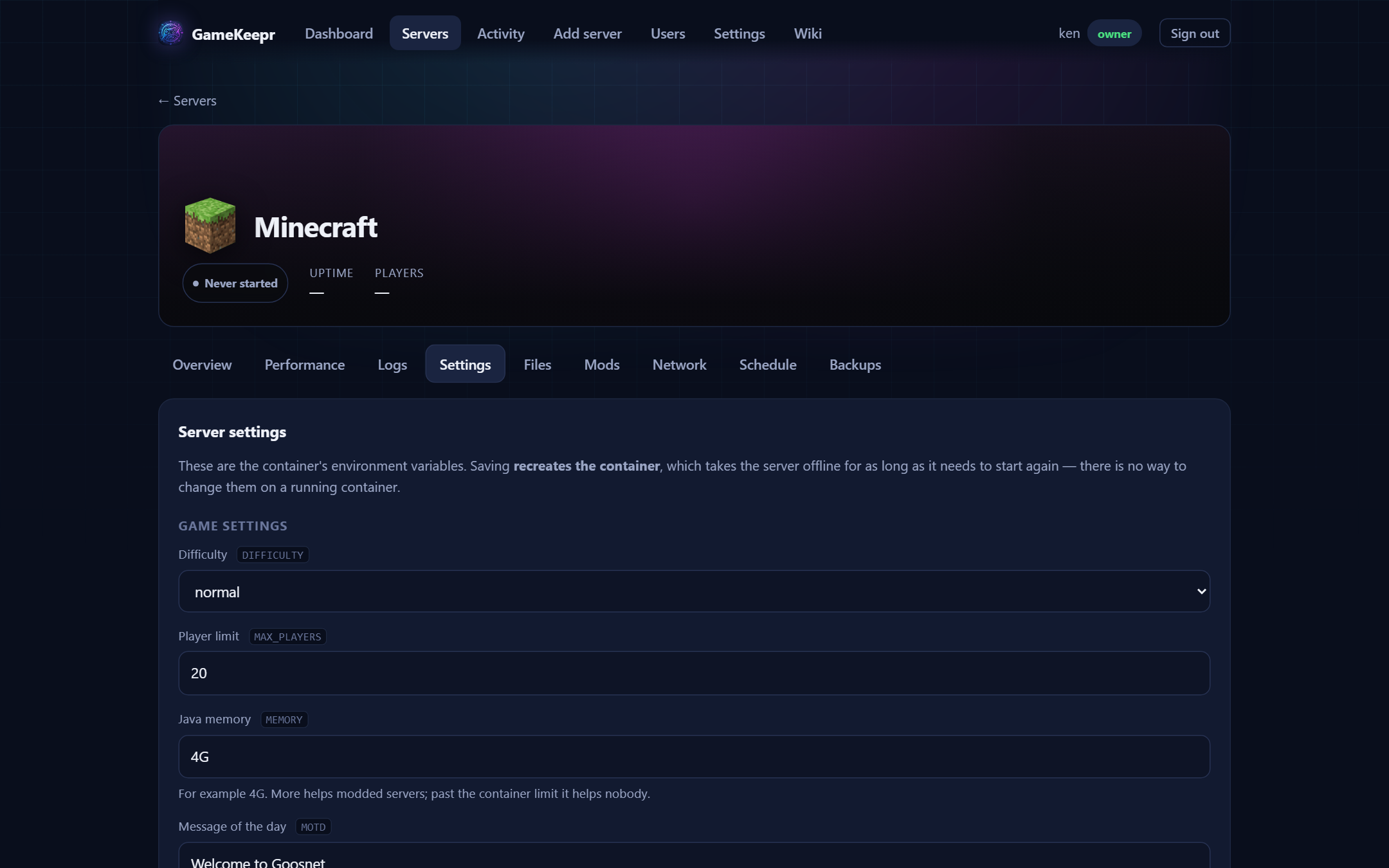
The Settings tab
The container's environment variables. Variables the game registry recognises get a label, a line of context and a real control — a toggle, a number field with its range, a dropdown — and are validated before anything happens: a player limit of 5000 is refused with the range in the message, not handed to a game that fails on it minutes later. Every other variable still shows as a plain field.
Saving recreates the container (environment variables cannot change on a running one), which takes the server offline for one start. Secrets are shown as dots and never echoed back; leave them as-is to keep the current value.
For composed Steam servers
Two files in the steamcmd directory are GameKeepr's own and worth knowing: gamekeep-start.sh is the script the container runs on every start (edit it here if the game needs something unusual), and docker-compose.yml is the same server in compose form — take it to any machine and reproduce the server without the portal.