 GameKeepr
Logs and the console
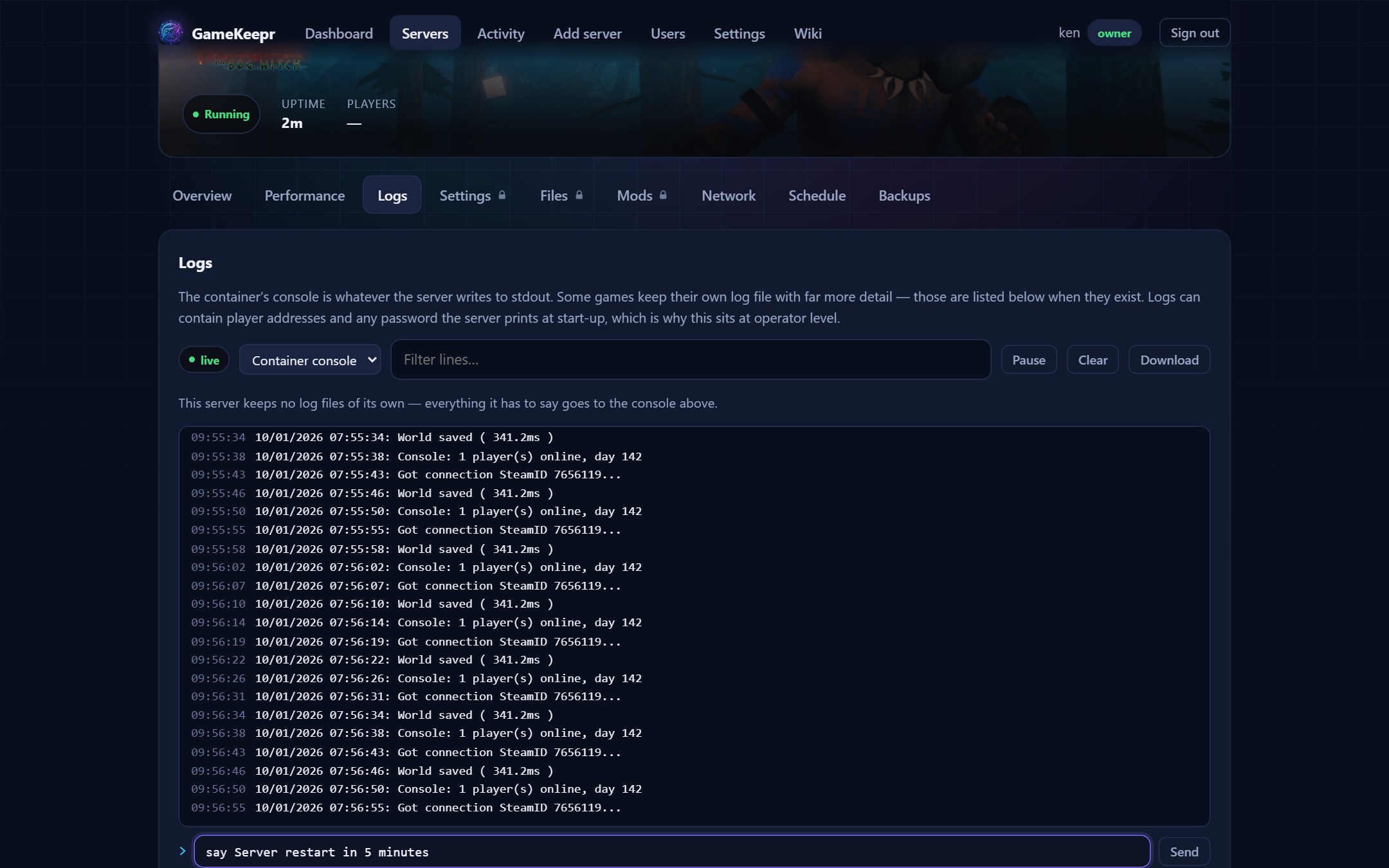
The live log
The Logs tab streams the server's console as it happens and survives dropped connections — it reconnects by itself. Filter lines, pause while you read, download what is on screen. Restarting from the overview jumps straight here, because the interesting part of a restart is what the server prints while it comes back.
Game servers that keep their own log files (Steam, crash logs, the game's own rotating logs) appear in the selector next to the console.
Typing at the game
Under the live stream sits an input that writes one line to the game's own stdin — save-all, say Restart in 5 minutes, kick <name> — and the answer comes back through the same stream. One line per send, and every command lands in the activity log verbatim.
Two container properties gate it, and GameKeepr says so instead of failing vaguely:
- The container must have an interactive stdin (Unraid's "Interactive" toggle,
docker run -i). Servers composed from the Steam tab have this out of the box. - Containers set to close stdin after one attach (
StdinOnce) are refused outright — a game that reads end-of-input as "shut down" would be stopped by the very act of talking to it.
What a command means is the game's business: consult the game's own admin documentation for its console vocabulary.