 GameKeepr
Mods
A mod is third-party code that runs inside a game server, so this tab is operator-level, only writes while the server is stopped, and never uses the word "safe" — no check can decide whether code is hostile. What it does is tell you exactly what was checked.
Three ways a mod arrives
From a repository. Satisfactory (ficsit.app), Minecraft Java (Modrinth) and the Thunderstore games (Valheim, V Rising, Lethal Company, Risk of Rain 2) install through their repositories. Before anything is written you get a report: whether the download matches the publisher's hash, whether the archive is structurally safe (no path traversal, no symlinks, no absolute paths), what the malware scanners said if any are configured, and whether the mod loader and dependencies line up. Client-only mods are filtered out — a dedicated server cannot run them.
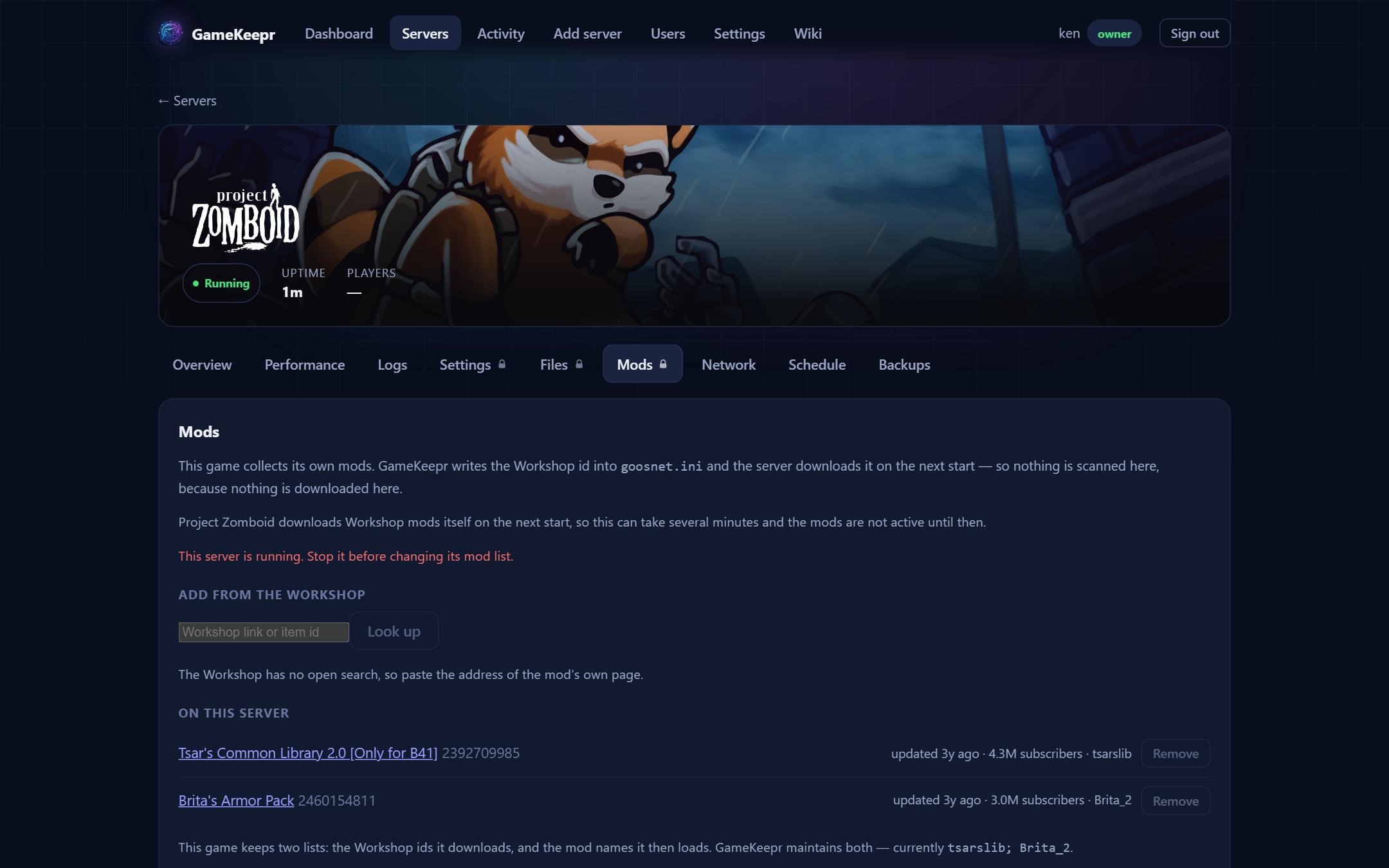
From the Steam Workshop. Project Zomboid and ARK fetch their own mods: you give the server a list of Workshop ids and it downloads them through SteamCMD on the next start. GameKeepr writes that list into the server's own config for you — paste the mod's Workshop page URL. The one hard check the Workshop supports is which game an item was published for: an ARK mod on a Zomboid server is refused as a fact. Zomboid needs two linked lists (the Workshop ids it downloads and the mod names it loads); GameKeepr maintains both. Changes take effect on the next start, and that start takes longer — the mods download first.
By upload. A .zip, .jar or .smod goes through the same archive safety checks and scanners as a repository download; only the publisher hash is missing, and the report says so rather than pretending.
Removing
Removal deletes exactly what installation recorded — for Minecraft that means the one .jar, never the shared mods/ folder. Workshop mods are removed from the config list and stop loading on the next start.